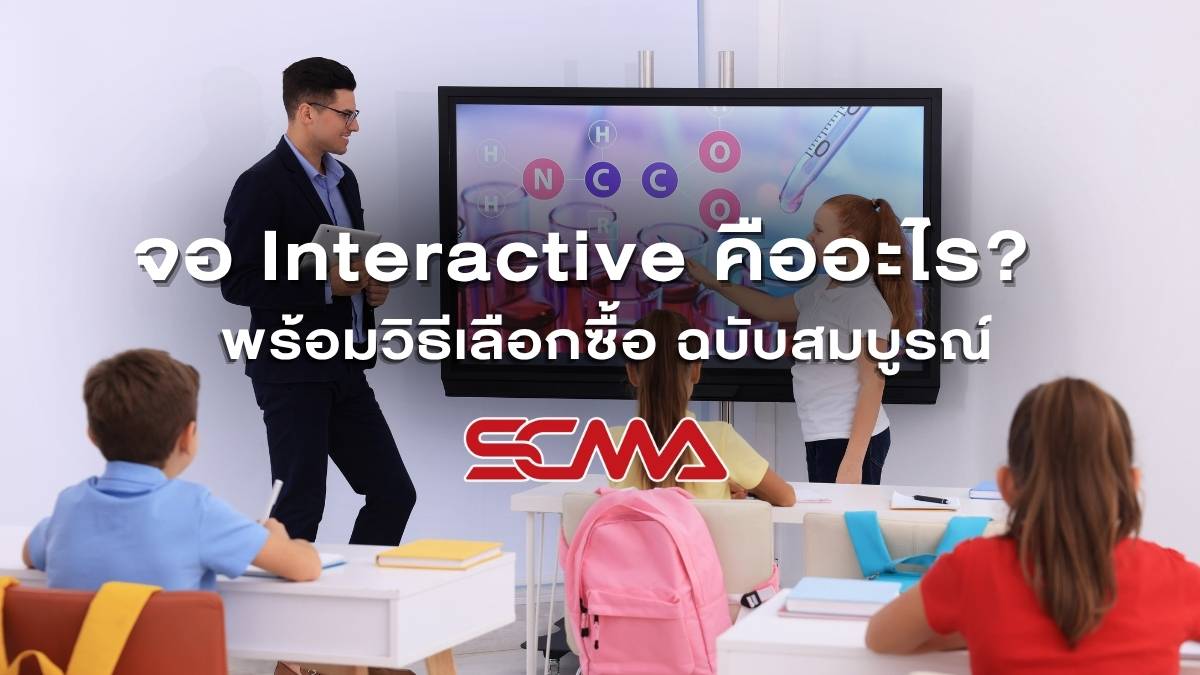
What is an interactive display? Why are leading organizations switching from traditional projectors to this technology? This article will take you through everything you need to know about interactive whiteboards to help you make the most informed purchase decision. You'll learn about functionality, how to choose the right size, pricing, and expert tips. If your organization is looking for a smart board or an intelligent board to enhance meeting efficiency, you can consult SCMA's Design Solution Services for free immediately.
What is an interactive display? How does it differ from regular TVs?
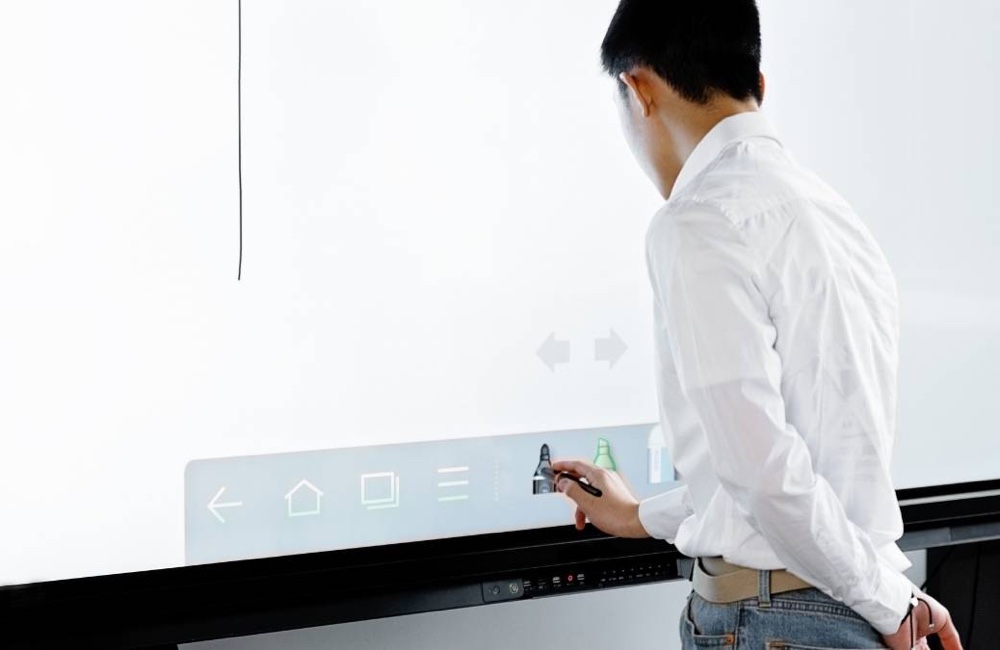
An interactive display is a large screen device that combines the capabilities of a computer, monitor, and projector into one unit. The functionality of an interactive whiteboard relies on high-precision touch sensor technology, which clearly sets it apart from standard Smart TVs because you can directly write or draw with your fingers or a stylus on the smart board. Technologists refer to this equipment by various terms such as Interactive Whiteboard, Smart Board, or Flat Panel, all of which denote an intelligent board that facilitates seamless interaction between presenters and audience members.

Benefits of Interactive Boards in Meeting Rooms and Classrooms
The installation of smart boards or intelligent screens truly transforms the way we work in the digital age. Let's look at the main benefits that make organizations decide to invest in this touch screen technology.
Increase Efficiency in Meetings and Presentations
Using a meeting room interactive display allows presenters to draw, highlight important points, or open data files instantly. The smooth touchscreen system reduces interruptions during idea explanations, resulting in quick mutual understanding among meeting participants.
Promote Engaged Learning in Classrooms
In educational institutions, touch screen displays effectively capture students' attention. Teachers can invite students to solve problems on the interactive board simultaneously, creating an efficient active learning environment.
Reduce Paper Usage and Consumables
When you switch to a touchscreen display, printing documents for distribution to meeting participants becomes unnecessary. Everyone can scan QR codes to save images from the touch screen for further study immediately, contributing to environmental protection and moving towards a green office approach.
Create a Modern Image for Your Organization
A meeting room equipped with an interactive screen reflects the vision of executives ready to drive business with technology. Having an intelligent display centrally located in the room enhances credibility when welcoming important clients as well as global business partners.
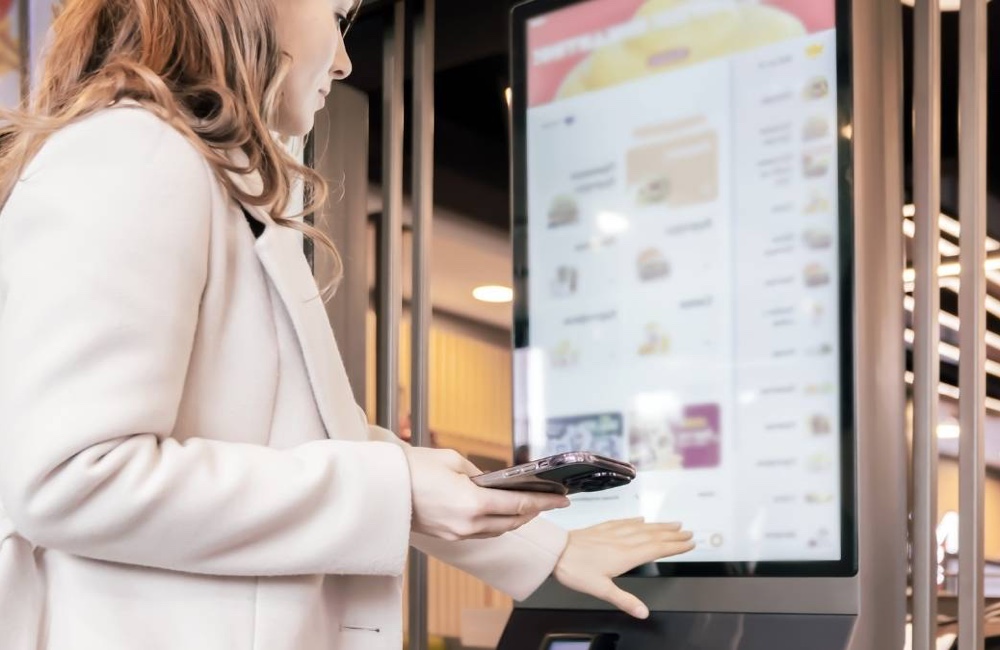
Key Features to Look for in a Smart Touch Screen Display
Before making a purchase decision, you should thoroughly check the specifications of a smart board to ensure it is worth your investment. The SCMA engineering team recommends essential features that every touch screen display should have.
Ultra-Sharp 4K UHD Resolution
A large meeting room display must have 4K UHD resolution as standard, ensuring the highest clarity for graphic images, videos, or small text. Participants can clearly see details on an interactive screen even when seated at the back of the room.
Multi-Touch System Supporting Simultaneous Use
New touch screen technology must support simultaneous touches from 20 to 40 points. This feature allows multiple team members to write ideas onto a touch screen simultaneously, making it an excellent tool for brainstorming sessions.
Wireless Connectivity (Wireless Casting) from Mobile Phones and Laptops
A good smart display should come with wireless screen sharing capabilities. Presenters can instantly send images from smartphones, tablets, or laptops to the touch screen without the hassle of cable connections.
Smart Whiteboard Software for Writing and Recording
The core feature of an interactive screen is user-friendly whiteboard software that includes drawing tools, automatic handwriting conversion into text, and direct image insertion from the internet. For more detailed information, you can read the article Interactive Whiteboard.
In-Built Operating System (Android/Windows)
The majority of touch screen displays come with Android pre-installed for quick file access. If your organization requires specific software, choose a model that can install an OPS module to run Windows seamlessly alongside the touch screen.
How to Choose the Right Size of Touchscreen Display for Your Space and Number of Users
Selecting a touchscreen display size that matches room proportions is crucial for good visual system design. We have outlined selection criteria based on suitability as follows:
- 55-65 inch: Suitable for small meeting rooms (Huddle Room): This smart screen size is ideal for limited spaces, accommodating 3-5 users who need to brainstorm closely.
- 75-86 inch: Suitable for medium-sized meeting rooms and classrooms: These are the best-selling sizes of front-of-room displays, covering a range of participants from 10-30 people.
- 98-110 inch: Suitable for large meeting rooms and auditoriums: If you have ample space, this interactive display size will ensure that back-row viewers can see presentations clearly. For more expert advice, refer to OdinEdu.
How Much Do Interactive Displays Cost? Updated for 2026
Budget is a key consideration before any organization invests in industrial touchscreen displays. The price range of touch screen displays in 2026 varies widely based on size and specifications.
- Price Range Summary for Interactive Displays: 65 inch: Suitable for starting budgets, the average cost of this size is approximately 50,000 - 80,000 THB.
- Price Range Summary for Interactive Displays: 75 inch: This standard size offers a good return on investment for most organizations, with prices ranging from 90,000 - 150,000 THB.
- Price Range Summary for Interactive Displays: 86 inch: Suitable for executive meeting rooms, this front-of-room display model ranges in price from 150,000 - 250,000 THB and above.
- Factors Affecting Price Differences Between Models: Brand, touch sensor technology, built-in camera with microphone system all impact the cost of smart displays.
5 Tips for Choosing the Most Cost-Effective and Suitable Interactive Display
The SCMA engineering team has compiled tips from real work experiences to help you consider purchasing touch screens that best match your specifications. Before making a purchase, check off this list:
- 1. Clearly Define Your Usage Purpose: Ask yourself whether the interactive display will be used for general presentations or meetings, or if it will focus on high-resolution design work.
- 2. Check Compatibility with Existing Equipment: The touch screen must be able to connect seamlessly with laptops, sound systems, or existing organizational control devices (learn more about control systems What is PLC)
- 3. Try Before You Decide: You should test the touch screen yourself to see how smoothly the pen works and the stability of the software.
- 4. Compare Warranty and After-Sales Service: Touch screens are high-value items, so choose a store that offers On-site service for repairs.
- 5. Read Reviews and Ask Real Users: Look for in-depth information about your preferred brand, such as recommended models you can see from the article Review of Leaderhub Kepler Display
Is Installation and Maintenance Difficult?
Installing an interactive display is not difficult if done by a professional team. You can choose either to mount it on the wall for stability or use wheeled stands to move the writeable TV easily from room to room. For maintenance, smart boards are easy to care for; simply wipe them clean with a microfiber cloth regularly to remove dust and fingerprints. Avoid using harsh chemical cleaners, and your smart board will last for decades without worrying about complex repairs.
Summary
It can be concluded that interactive displays are a technology that transforms traditional work methods into fully smart offices. Whether it's using a writeable TV as a meeting room display or an intelligent board in classrooms, if you're ready to elevate your organization with these technologies, SCMA is pleased to provide consultation and deliver the best automation solutions for you.
If you want to buy, SCMA is now available!
Investing in an interactive display is a crucial step that helps save time and reduce communication errors. SCMA Co., Ltd. offers high-quality touch screen devices including writeable TVs or intelligent boards from leading global brands. We are experts in measuring tools and design solutions for comprehensive industrial projects (Projects & Solutions). Contact our engineering team for immediate quotes and the best advice.
Frequently Asked Questions about Interactive Displays (FAQ)
How long is the lifespan?
On average, this type of display has a lifespan of up to 50,000 hours, equivalent to continuous use every day for over ten years.
Do you need to buy an OPS Computer additionally?
This isn't always necessary if you only use it for opening presentation files or writing on the whiteboard through Android. However, if you want to run full Windows programs, you can purchase and plug in an OPS.
Can it be connected to a video conferencing system?
Yes, it can be done immediately. New models come with high-definition webcams and microphones built-in, supporting Zoom and Microsoft Teams perfectly.
Is the touch screen difficult to clean?
Cleaning is very easy. Simply turn off the display and gently wipe with a soft microfiber cloth to remove fingerprints. Do not spray cleaning solution directly onto the screen.
Does an intelligent display support use through Apple TV?
It supports working together. You can plug in an HDMI cable from your Apple TV or use the AirPlay function built into the display for wireless screen sharing.