
SPECIAL PROMOTION — Up to 40% off across many product groups, until 31 December 2026 · Click to see all promotion itemsIFM, Sensor, Automation SystemMeasuring / Testing InstrumentsTemp Indicator, Control, T/C, RTD, TimerHeater, SCR Control, Solid State, Power Supply, Control CabinetField Measuring Instruments, Pressure Gauge, Level Control, Flow MeasurementEMC, Pneumatic, Solenoid ValveInspection Test Lamp, Head Light, Automotive Measuring InstrumentWeighing Scales, Marking Machine, PrintersEducational Training SystemsHot Line Tools & Equipment SPECIAL PROMOTION — Up to 40% off across many product groups, until 31 December 2026 · Click to see all promotion itemsIFM, Sensor, Automation SystemMeasuring / Testing InstrumentsTemp Indicator, Control, T/C, RTD, TimerHeater, SCR Control, Solid State, Power Supply, Control CabinetField Measuring Instruments, Pressure Gauge, Level Control, Flow MeasurementEMC, Pneumatic, Solenoid ValveInspection Test Lamp, Head Light, Automotive Measuring InstrumentWeighing Scales, Marking Machine, PrintersEducational Training SystemsHot Line Tools & Equipment View promotion items View all
PLC CPU
PLC CPU (Central Processing Unit)
The PLC CPU, or the central processing unit of a Programmable Logic Controller, is the "brain" that drives modern industrial automation systems. It processes commands from programs, receives signals from sensors, and sends instructions to various devices to ensure smooth and precise operation of production lines. At SCMA, we offer high-quality PLC CPUs from leading global brands, along with a team of expert engineers ready to provide consultation and design control systems tailored to every type of industry.
Key Components in the PLC CPU
- Processor for processing commands from control programs
- Memory (RAM/ROM) for storing programs, variable values, and operational status
- Scan Cycle System: Read Input → Process → Send Output → Repeat
- Communication Port for communicating with external devices (RS232, RS485, Ethernet, USB)
- Real-time Clock (RTC) for setting times in the control system, such as starting operations at 08:00 AM
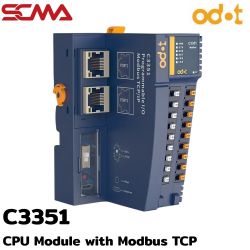 C3351 \ PLC CPU \ CPU Module with Modbus TCP C SeriesSpecial Price THB 5,550.00 Regular Price THB 7,400.00
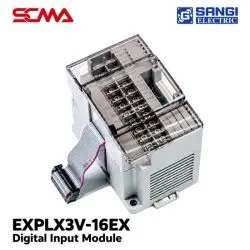 PLC EXPLX3V-16EX Digital Input Module SANGI ELECTRICPrice on request – please contact us
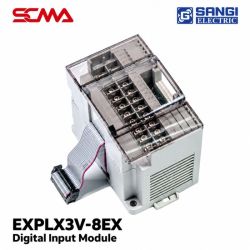 PLC EXPLX3V-8EX Digital Input Module SANGI ELECTRICPrice on request – please contact us
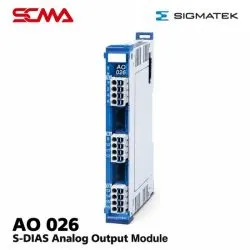 AI 026 S-DIAS Analog Output Module SIGMATEKPrice on request – please contact us
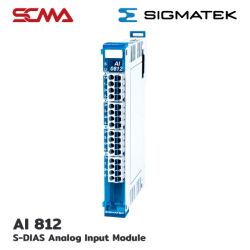 AI 812 S-DIAS Analog Input Module SIGMATEKPrice on request – please contact us
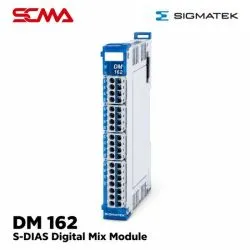 DM 162 S-DIAS Digital Mix Module SIGMATEKPrice on request – please contact us
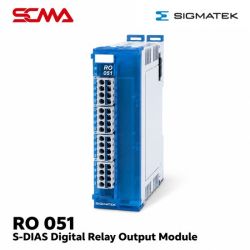 RO 051 S-DIAS Digital Relay Output Module SIGMATEKPrice on request – please contact us
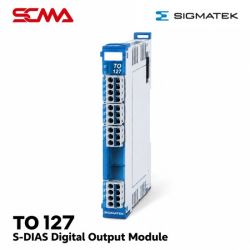 TO 127 S-DIAS Digital Output Module SIGMATEKPrice on request – please contact us
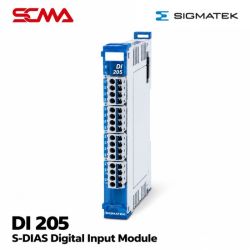 DI 205 S-DIAS Digital Input Module SIGMATEKPrice on request – please contact us
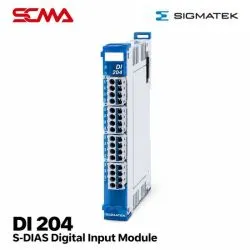 DI 204 S-DIAS Digital Input Module SIGMATEKPrice on request – please contact us
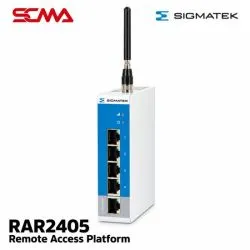 RAR2405 Remote Access Platform SIGMATEKPrice on request – please contact us
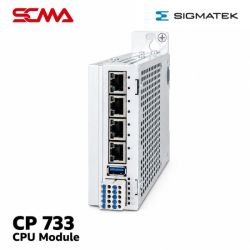 CP 733 CPU Module SIGMATEKPrice on request – please contact us
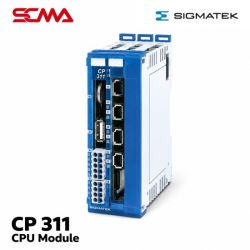 CP 311 CPU Module SIGMATEKPrice on request – please contact us
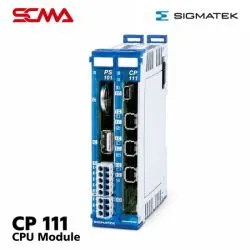 CP 111 CPU Module SIGMATEKPrice on request – please contact us
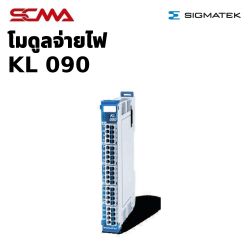 KL 090 S-DIAS Power Supply Module SIGMATEKSpecial Price THB 1,425.00 Regular Price THB 1,900.00
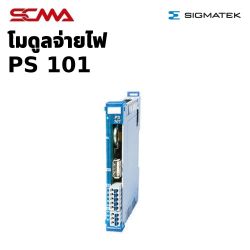 PS 101 S-DIAS Power Supply Module SIGMATEKSpecial Price THB 3,900.00 Regular Price THB 5,200.00
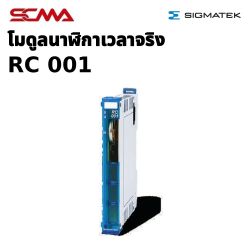 RC 001 S-DIAS Real Time Clock Module SIGMATEKSpecial Price THB 4,350.00 Regular Price THB 5,800.00
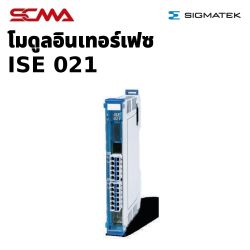 ISE 021 S-DIAS Interface Module SIGMATEKSpecial Price THB 5,850.00 Regular Price THB 7,800.00
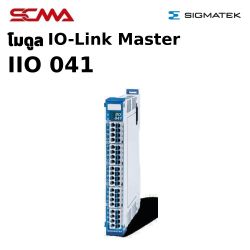 IO 041 S-DIAS SDCI Master Module SIGMATEKSpecial Price THB 11,925.00 Regular Price THB 15,900.00
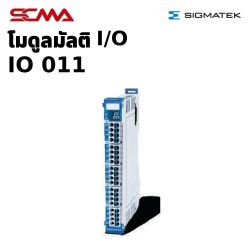 IO 011 S-DIAS Multi I/O Module SIGMATEKSpecial Price THB 9,750.00 Regular Price THB 13,000.00
Delivery: Within 30-45 days
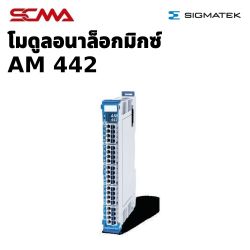 AM 442 S-DIAS Analog Mix Module SIGMATEKSpecial Price THB 11,325.00 Regular Price THB 15,100.00
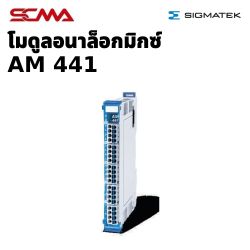 AM 441 S-DIAS Analog Mix Module SIGMATEKSpecial Price THB 9,300.00 Regular Price THB 12,400.00
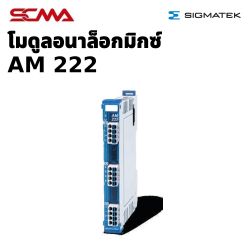 AM 222 S-DIAS Analog Mix Module SIGMATEKSpecial Price THB 9,142.50 Regular Price THB 12,190.00
Delivery: Within 30-45 days
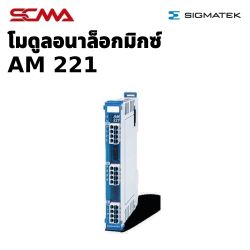 AM 221 S-DIAS Analog Mix Module SIGMATEKSpecial Price THB 12,150.00 Regular Price THB 16,200.00
Delivery: Within 30-45 days
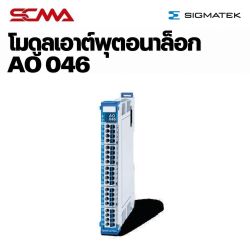 AO 046 S-DIAS Analog Output Module SIGMATEKSpecial Price THB 21,300.00 Regular Price THB 28,400.00
Delivery: Within 30-45 days
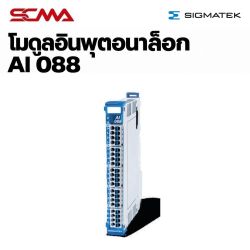 AI 088 S-DIAS Analog Input Module SIGMATEKSpecial Price THB 24,450.00 Regular Price THB 32,600.00
Delivery: Within 30-45 days
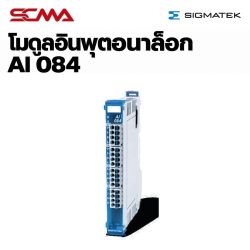 AI 084 S-DIAS Analog Input Module SIGMATEKSpecial Price THB 9,675.00 Regular Price THB 12,900.00
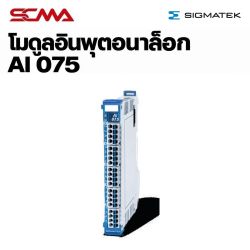 AI 075 S-DIAS Analog Input Module SIGMATEKSpecial Price THB 9,525.00 Regular Price THB 12,700.00
Delivery: Within 30-45 days
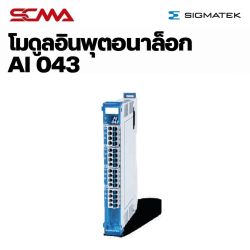 AI 043 S-DIAS Analog Input Module SIGMATEKSpecial Price THB 10,102.50 Regular Price THB 13,470.00
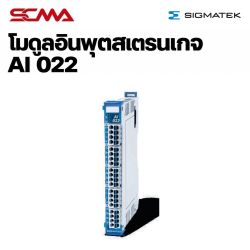 AI 022 S-DIAS Strain Gauge Input Module SIGMATEKSpecial Price THB 12,600.00 Regular Price THB 16,800.00
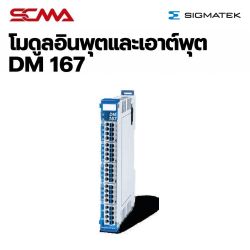 DM 167 S-DIAS Digital Mix Module SIGMATEKSpecial Price THB 7,650.00 Regular Price THB 10,200.00
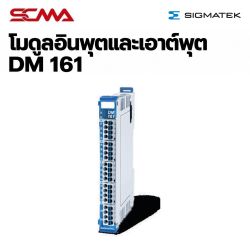 DM 161 S-DIAS Digital Mix Module SIGMATEKSpecial Price THB 4,425.00 Regular Price THB 5,900.00
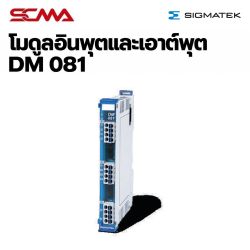 DM 081 S-DIAS Digital Mix Module SIGMATEKSpecial Price THB 6,172.50 Regular Price THB 8,230.00
Delivery: Within 30-45 days
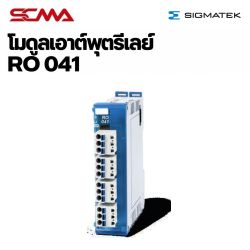 RO 041 S-DIAS Digital Relay Output Module SIGMATEKSpecial Price THB 4,417.50 Regular Price THB 5,890.00
Delivery: Within 30-45 days
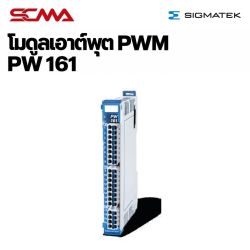 PW 161 S-DIAS Pulse Width Module SIGMATEKSpecial Price THB 13,125.00 Regular Price THB 17,500.00
Delivery: Within 30-45 days
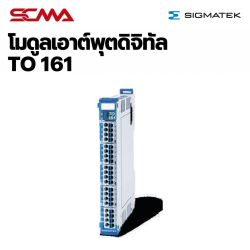 TO 161 S-DIAS Digital Output Module SIGMATEKSpecial Price THB 9,472.50 Regular Price THB 12,630.00
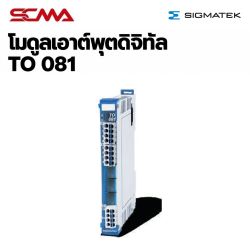 TO 081 S-DIAS Digital Output Module SIGMATEKSpecial Price THB 3,975.00 Regular Price THB 5,300.00
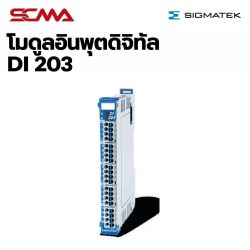 DI 203 S-DIAS Digital Input Module SIGMATEKSpecial Price THB 3,375.00 Regular Price THB 4,500.00
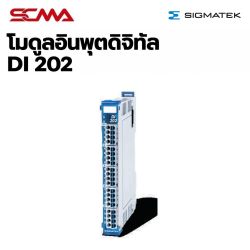 DI 202 S-DIAS Digital Input with Counter Function Module SIGMATEKSpecial Price THB 4,050.00 Regular Price THB 5,400.00
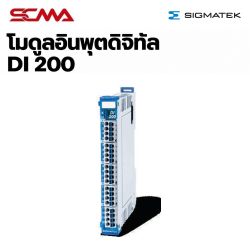 DI 200 S-DIAS Digital Input Module SIGMATEKSpecial Price THB 3,990.00 Regular Price THB 5,320.00
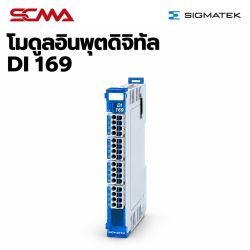 DI 169 S-DIAS Digital Input with Counter Function Module SIGMATEKSpecial Price THB 5,775.00 Regular Price THB 7,700.00
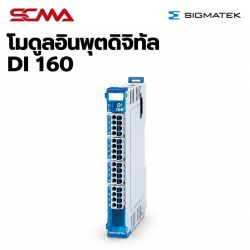 DI 160 S-DIAS Digital Input Module SIGMATEKSpecial Price THB 3,547.50 Regular Price THB 4,730.00
Delivery: Within 30-45 days
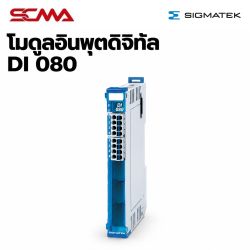 DI 080 S-DIAS Digital Input Module SIGMATEKSpecial Price THB 2,400.00 Regular Price THB 3,200.00
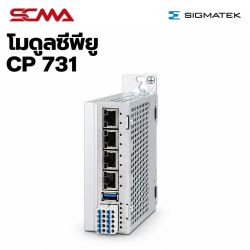 CP 731 CPU Module SIGMATEKSpecial Price THB 89,700.00 Regular Price THB 119,600.00
Delivery: Within 30-45 days
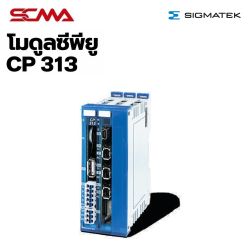 CP 313 CPU Module SIGMATEKSpecial Price THB 39,225.00 Regular Price THB 52,300.00
Delivery: Within 30-45 days
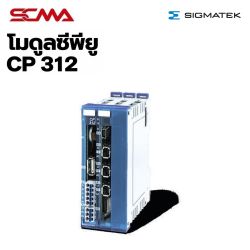 CP 312 CPU Module SIGMATEKSpecial Price THB 36,525.00 Regular Price THB 48,700.00
Delivery: Within 30-45 days
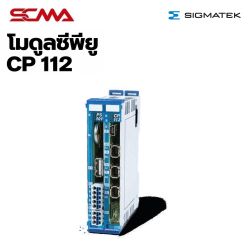 CP 112 CPU Module SIGMATEKSpecial Price THB 27,450.00 Regular Price THB 36,600.00
Delivery: Within 30-45 days
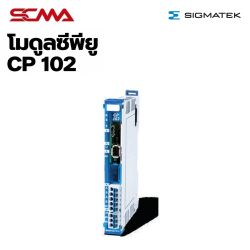 CP 102 CPU Module SIGMATEKSpecial Price THB 16,725.00 Regular Price THB 22,300.00
What is a PLC CPU?
A PLC CPU is the central processing unit of a PLC, responsible for processing and controlling all operations within the system. The PLC CPU contains microprocessors that work with various types of memory, such as EPROM, EEPROM, and RAM, to store programs and operational data. Users input commands through ladder logic diagrams (Ladder Logic) or other programming languages, and the PLC CPU processes these instructions to control equipment in production lines accurately and efficiently.
How does a PLC CPU work?
The PLC's CPU operates continuously in what is called a "scan cycle" (Scan Cycle), which takes only a few milliseconds per cycle. This quick response time is crucial for real-time control systems, with each cycle consisting of four main steps that are systematic and continuous:
Input Scan
The PLC CPU reads and stores the status of all input signals from sensors and external devices connected to it, using this data to make further decisions.
Program Execution
The PLC CPU executes programmed logic by evaluating input data according to various conditions to determine how to control output devices.
Communication Management
The PLC CPU acts as an intermediary for communication between modules within the PLC and external devices, ensuring that the system works in harmony.
Output Update
The CPU sends command signals to output devices such as motors, valves, or status lights, making them operate according to program specifications.
Important Features to Consider When Selecting a PLC CPU
Selecting the appropriate PLC CPU is crucial for the overall efficiency of an automated system. Each feature directly impacts performance and long-term value, so it's important to carefully consider these key features:
Processing Speed (Scan Time)
Metered as the time taken for a complete scan cycle of the PLC CPU, with lower values indicating faster response times, typically ranging from 1-20 milliseconds.
Memory Capacity
Specified in steps that the PLC CPU can store programs and data. Complex systems require more capacity to handle multi-level operations and historical data storage.
I/O Capacity
Determines how many sensor and control device points a PLC CPU can connect, such as a CPU supporting 32 input points and 16 output points, suitable for medium-sized systems.
Communication Protocols
Newer PLC CPUs support various communication protocols like Ethernet/IP, Modbus TCP/IP, Profibus, and RS-232/RS-485 ports, facilitating easy connections to SCADA or MES systems.
Self-Diagnostic System
Higher-end PLC CPUs have real-time error detection and notification capabilities, distinguishing between critical errors that require system shutdowns and minor errors that can be addressed during operation.
Data Types I/O That a PLC CPU Can Handle
A PLC CPU can handle various data types to accommodate diverse equipment, including digital signals (0 or 1) for switches, buttons, and relays; continuous analog signals for temperature, pressure, and speed sensors; and special signals for high-precision tasks.
- Digital I/O - Digital signals (0 or 1) used with switches, pushbuttons, and relays.
- Analog I/O - Continuous signals used with sensors for temperature, pressure, and speed measurements.
- Special I/O - Used for specialized tasks requiring PLC CPU control, such as high-speed counting or precise positioning.
Criteria for Selecting a Suitable PLC CPU for Your Work
Selecting the correct CPU ensures efficient and cost-effective system operation. Considering various factors comprehensively will help you choose a PLC CPU that meets current and future needs, focusing on these key criteria:
System Complexity
Evaluate the number of conditions the PLC CPU must check and the complexity of logic. Multi-step or concurrent processing tasks require high-performance CPUs with sufficient memory.
Operating Environment
Select a CPU designed for durability in dusty, humid, or temperature-varying environments, ensuring appropriate IP ratings.
Future System Expansion
Choose a PLC CPU with extra I/O and capacity to accommodate system growth without needing new equipment when additional functions are required.
Budget and Return on Investment
Weigh the capabilities of the PLC CPU against your budget, considering total lifecycle costs beyond just purchase price.
PLC CPU Diagnostic and Error Correction System
Newer PLC CPUs have continuous monitoring and self-checking systems to ensure safe and efficient operation. This diagnostic system operates on two levels: startup checks and ongoing operational checks, detecting issues before they impact production:
Major Faults
Critical errors requiring immediate shutdown of the PLC CPU, such as hardware failures, memory damage, or severe programming errors. The CPU enters STOP mode and displays error codes via LEDs.
Minor Faults
Moderate issues that the PLC CPU can address without stopping operations, like slight scan time delays or temporary communication disruptions. The CPU logs data in system status areas for user review and correction.
Error Data Logging
The PLC CPU records all error codes in special memory, allowing system administrators to retrospectively analyze causes even after issues have resolved.
Comprehensive PLC CPU System Services from SCMA
SCMA is not just a PLC CPU supplier but also a technical partner providing comprehensive services, including needs analysis, suitable CPU selection, control system design and installation, user training, and maintenance. With over 40 years of experience and expert engineers understanding the Thai industry, we closely advise and support you to ensure your systems operate efficiently and cost-effectively with reliable after-sales service throughout their lifespan.
Summary
A PLC CPU is a critical driver for modern industrial automation systems. Understanding its operation principles, key features, and selecting an appropriate unit will help your production system run smoothly, efficiently, and scale in the future. SCMA Company Limited stands by you with over 40 years of experience in the automation industry and as a global brand representative, ensuring we deliver tailored solutions that meet your needs precisely and cost-effectively. Contact us today for free consultation and elevate your industry to international standards.
Frequently Asked Questions
What is the difference between a PLC CPU and a regular PLC?
A PLC CPU is the central processing unit within a PLC, which is an entire control system comprising CPU, I/O modules, power supplies, and other components. The CPU acts as the "brain" processing programs and controlling overall system operations. Selecting the right PLC CPU is crucial for efficient PLC systems.
Why is scan time important in a PLC CPU?
The scan time (Scan Time) determines the response speed of the PLC CPU. If the scan time is too slow, rapidly changing signals may not be detected, affecting system accuracy and safety. High-speed tasks like high-speed axis control or workpiece detection on conveyor belts require CPUs with low scan times (1-5 ms), while general tasks can suffice with 10-20 ms.
How should a PLC CPU be maintained to extend its lifespan?
Proper maintenance of the PLC CPU extends its life and prevents unexpected issues. Regularly clean dust and debris from the PLC CPU, check backup batteries and replace them as needed, regularly back up programs and parameters, inspect cooling fan operation, and avoid installing CPUs in excessively hot or humid environments. Periodic firmware updates also ensure system stability.
This website uses cookies
We use cookies to make the site work properly, to understand how it is used, and to show content that is relevant to you. You choose which types to allow; strictly necessary cookies are always on. Privacy Policy
🤖 AI Assistant
Ask about products, specs and replacement models
Hello 👋 Ask us anything — find products, compare specs, or troubleshoot.
🗑 Clear history