What is an Interactive Display? Why are modern organizations turning to transform ordinary meeting rooms into smart rooms? This article will guide you through everything about interactive displays, providing tips on how to choose the right one, functions that meet your needs, and precautions before making a decision. If you're looking for experts to help elevate technology in your organization, you can view SCMA's Services, where our team of expert engineers is ready to consult with you.
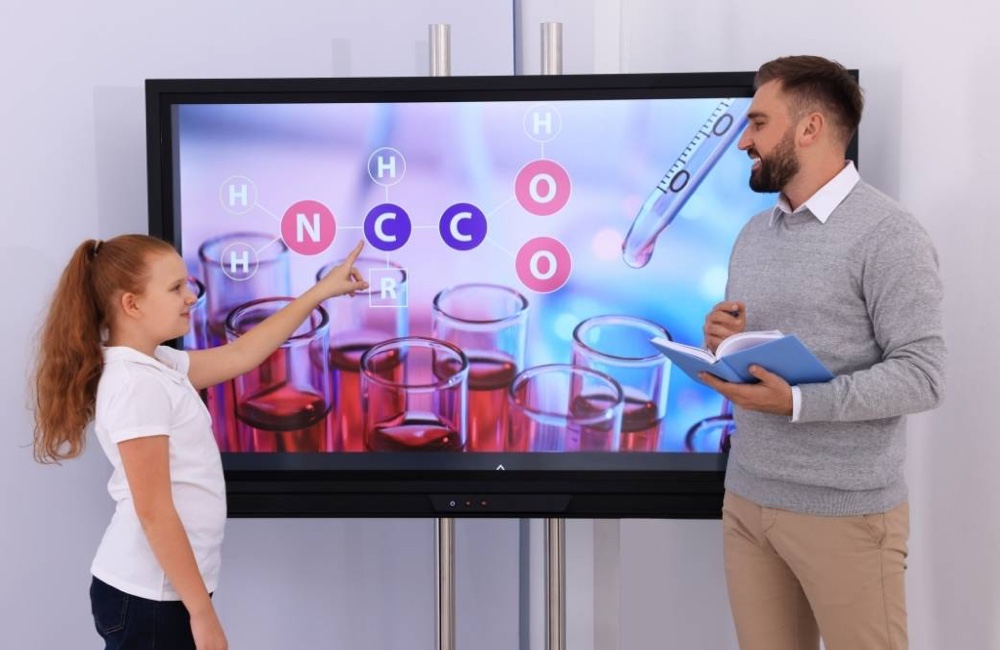
What is an Interactive Display or "Interactive Whiteboard"?
An interactive display is a large screen that combines the capabilities of a computer, monitor, projector into one device. Many people know this equipment as a Smart Board or Interactive Screen. The main difference from regular touch-screen TVs is its much higher touch accuracy and support for smooth writing like using an actual pen. This device transforms traditional presentations into immediate interactive experiences between presenters and audiences, providing immense benefits to digital meeting rooms, educational institutions, and employee training centers alike. It effectively engages everyone in participation efficiently.
5 Key Factors to Consider When Buying an Interactive Display for Maximum Value
Based on the experience of the SCMA engineering team, selecting a smart board that offers maximum value is not just about size but also requires in-depth consideration of specifications to best meet actual usage needs. The key factors to consider when choosing an interactive display are as follows:
Screen Resolution (Resolution): Full HD vs 4K
In today's standards, a smart screen should have a resolution level of 4K UHD as the norm to ensure clear images and legible text even at close range. A Full HD resolution may not be sufficient for large screens that need to display graphics or engineering blueprints requiring high precision.
Touch Technology: Infrared vs Capacitive
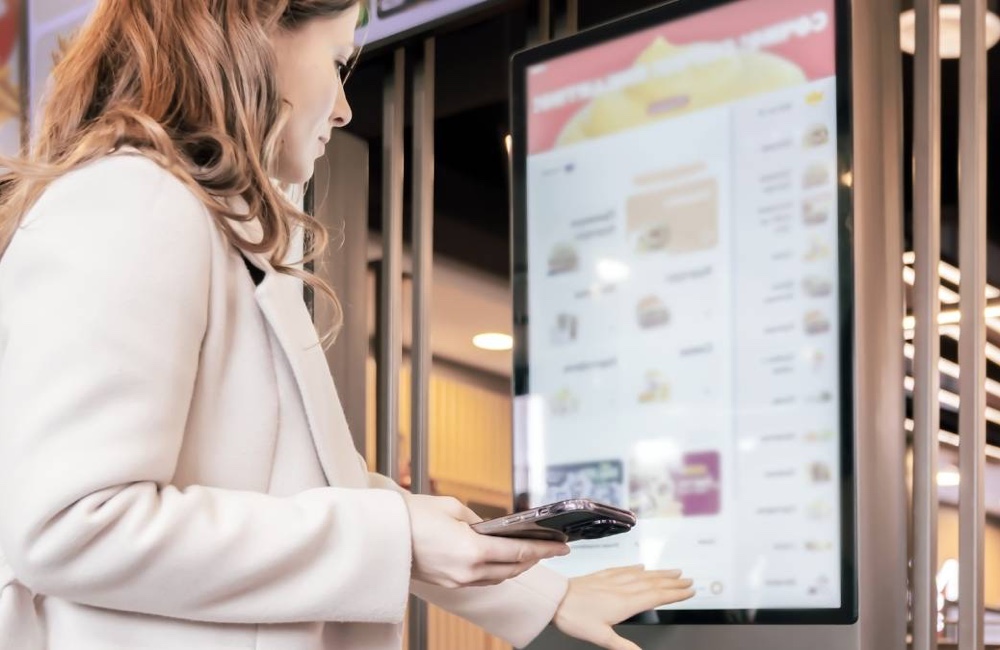
Infrared (IR) technology is popular in touch screens due to its cost-effectiveness and good responsiveness, while Capacitive (PCAP) technology provides a more accurate and smooth touch experience similar to high-end smartphones. However, it comes with flat bezel-free screens but at a higher cost.
Onboard Operating System (OS): Android, Windows, or None
The majority of smart boards come pre-installed with an Android OS for quick file opening and basic presentation needs. If your organization requires specific software, you should choose a model that supports the Computer on Module (OPS) slot to run additional Windows systems.
Necessary Connectivity Ports
A good meeting room display must have comprehensive connectivity ports such as HDMI In/Out, USB Type-C supporting charging and video transmission, USB 3.0 for peripheral device connections, and support for Wi-Fi and Bluetooth for wireless convenience.
Software and Additional Features Included with the Device
Many manufacturers provide free whiteboard software (Whiteboard Software), but you should test whether the display has complete tools or not. Some brands like maxhub are known for their user-friendly remote meeting support software.
How to Choose the Right Size of an Interactive Display for Your Room
Selecting the right size of an interactive display in proportion to your room is crucial to prevent issues such as unclear visibility for meeting participants. You can apply these guidelines for initial evaluation.
Recommended Sizes for Small Meeting Rooms (Up to 5 People)
For Huddle Rooms or small brainstorming areas, the suitable screen size would be between 55 inches and 65 inches, which is an ideal size for standing close to explain ideas. Everyone can clearly see the details on the screen.
Suitable Sizes for Medium-sized Classrooms (15-30 People)
If installed in classrooms or employee training rooms, a 75-inch display is the most popular choice as it is wide enough for students at the back to read text clearly. There's ample space on the screen for teachers to take notes.
Which Room Types Suit an 86-Inch Interactive Display?
An 86-inch interactive display is the best option for large executive meeting rooms or combined classrooms with more than 30 participants. This large screen will make presentations, data tables, or 3D models stand out and capture the audience's attention excellently.
Formula to Calculate Optimal Viewing Distance
A tip from real-world experience is to measure the distance from where the display is mounted to the farthest seating position and divide by 3 to get the minimum screen height required. For more information on control systems, you can read the article What is PLC to understand factory automation systems.
What is the Price of an Interactive Touch Screen? Budgeting for All Levels
If you are asking what an interactive whiteboard means in terms of investment, you need to look at the overall budget, not just the price of the unit itself. Planning a budget for a touch screen TV involves several factors.
- Starting Price for 55-65 inch Screens: Suitable for small businesses, on average, interactive touch screens in this size range will start at around 50,000 to 80,000 THB depending on the brand and specifications.
- Pricing Range for Standard Size 75-86 inch Screens: For larger smart boards commonly used in organizations, prices move up to a range of approximately 100,000 to 200,000 THB, which is considered a long-term investment that pays off.
- Factors That Affect Pricing Across Models: Touch screen technology (IR vs PCAP), screen brightness, quality of built-in speakers and microphones all impact the price of smart screens.
- Other Costs to Consider: In addition to the screen itself, budget for installation costs (both wall-mounted or on wheels), OPS computer modules, connecting cables, and special Stylus pens (you can check additional industrial technology equipment at SCMA's full product page)
Smart Features You Shouldn't Miss in Modern Meeting Displays
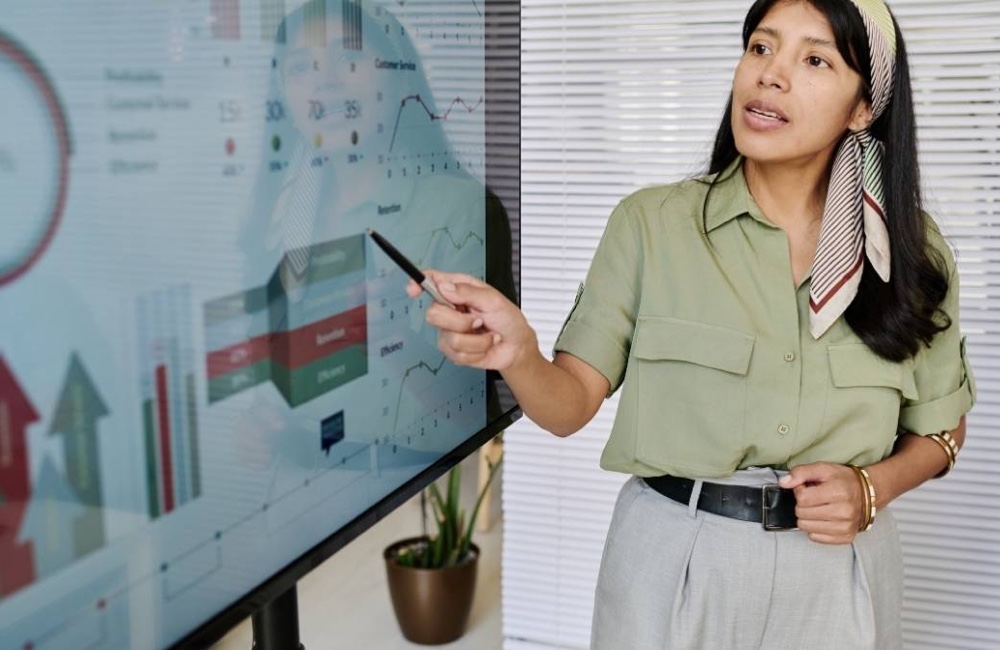
Selecting a smart board involves more than just hardware; it also includes software that enhances collaborative efficiency. These features are what you should check before deciding to buy an interactive display.
- Wireless Screen Sharing: Supports sending images from laptops, smartphones, or tablets directly to the meeting room screen without the need for messy cables.
- Screen Annotation & Save: Allows you to use a pen to annotate and highlight text on presentation files or web pages directly, with immediate options to save or share via QR Code.
- Built-in Video Conference System: Many new interactive display models come equipped with high-resolution webcams and long-range microphones, making them ready for Zoom, Teams, or Webex meetings right out of the box.
- Multi-touch Support for Multiple Users: Multi-touch technology supporting up to 20 to 40 touch points enables multiple presenters to write on the smart board simultaneously without lagging.
Installation and Necessary Accessories for Interactive Displays
Designing space for installing an interactive display appropriately is a crucial aspect that should not be overlooked. You can choose to mount a writable TV wall-mounted for aesthetic and space-saving purposes, or opt for a wheeled stand if you need to move it freely between rooms. Essential accessories include the rear-mounted computer (OPS) which allows the screen to run on Windows fully, along with high-quality Stylus pens for precise writing. If your organization focuses on remote meetings, consider upgrading webcams and external microphones to ensure that the interactive display works seamlessly with meeting room systems. For more information, refer to OdinEdu.
Summary
Selecting an Interactive Display is a way to elevate your meeting room with a responsive, feature-rich interactive whiteboard that creates the most efficient brainstorming atmosphere. Whether you are looking for a smart screen for your organization or advanced control systems for your factory, SCMA Company is pleased to provide consultation and design automation solutions tailored to your budget.
You can now purchase from SCMA!
If you recognize the importance of effective communication and are looking for a smart board for use in your organization, SCMA is ready to be your comprehensive technology partner. We specialize in industrial measurement tools and technologies, not only providing interactive screens but also taking care of other automation control systems (learn more from our article What is Inverter) to help your business move forward steadily.
Frequently Asked Questions (FAQ) about Interactive Display
How long does it last and is there a warranty?
The average lifespan of this type of screen can reach up to 50,000 hours or more. Most distributors offer product warranties ranging from 1 to 3 years with On-site Service.
How do you connect it to a computer, notebook, or mobile phone?
It's easy to connect via HDMI cable or USB Type-C, as well as using wireless screen sharing (Screen Mirroring) that supports both Windows, iOS, and Android systems.
Do you need special software to use it?
The majority of screens come with basic whiteboard software pre-installed for immediate use. However, if your organization needs to run specific programs, installation through the Windows system or additional OPS module is required.
Is maintenance and cleaning difficult?
Cleaning is very easy; simply wipe the screen gently with a soft microfiber cloth to remove fingerprints or dust. Do not use harsh chemical cleaners.