Large Smart Touchscreen helps factory teams meet on project plans, train employees, and view production data together. This guide focuses on touchscreens for meeting and training areas, with instructions on separating responsibilities from the machine control system.
What is a Smart Touchscreen?
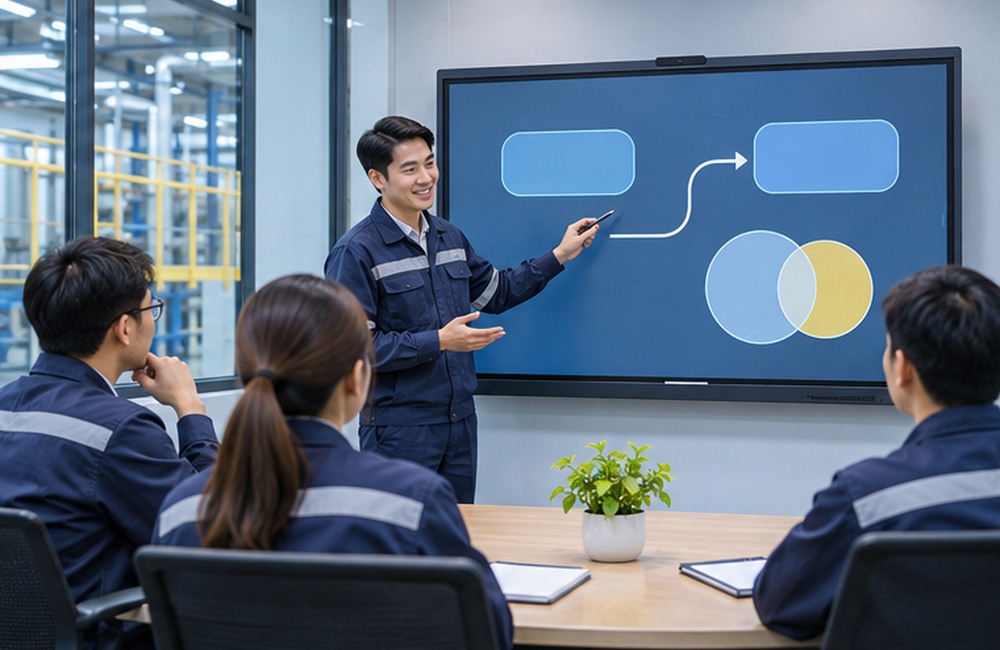
Smart Touchscreen or Interactive Flat Panel Display (IFPD) is adisplay screen that accepts touch for writing and interacting with content. Some models have built-in operating systems, while others are designed to connect to external computers.
How the Smart Touchscreen Works
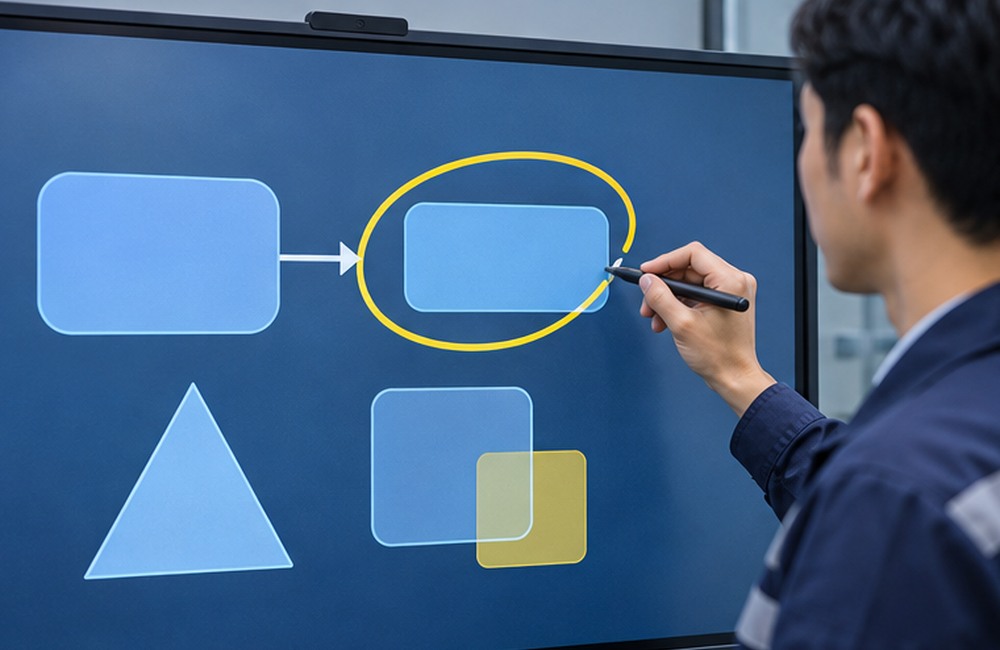
The operation of theSmart Display is achieved by integrating the display panel with an intelligent sensor, allowing the system to quickly receive commands from touch inputs. This technology enables users to operate directly on thedisplay screen using their fingers or specialized pens.
Position Detection When Touching the Screen
When users touch thetouchscreen with their fingers or pens, the internal sensors quickly calculate the X and Y coordinates of the touch. This detection system is highly accurate, ensuring that commands are sent to the processor without any errors.
Infrared Sensor Technology for Accuracy
Some models use an infrared frame to detect light blocking for touch position identification. The technology and number of touch points depend on the model. Example specifications can be viewed at ViewSonic ViewBoard
Processing and Converting Signals into Commands
The system sends touch position data to the software on the screen or connected computer to convert it into taps, writing, or slide control.
What is the difference between a meeting room display and a machine control display?
Choose the display type based on the system's function. Meeting or training displays have different purposes compared to machine displays.
Machine Control Display (HMI)
HMI receives and displays information or sends commands to the control system as designed. See SCMA HMI Article. As for safety functions, such as Emergency Stop, they must use a system designed and tested according to the machine's requirements.
Touchscreen for Education and Meetings (Smart Board)
This type is a smartboard or large smart TV, such as Leaderhub KEPLER model, designed for presentations. You can learn more about What is a Smart Touchscreen from external references. This type of display is used for writing on the screen, controlling teaching media, and for digital meetings Read more about smartboards directly.
Smart Touchscreen Maintenance
Extending the lifespan of thesmart touchscreen requires proper and consistent maintenance. The main precautions are to avoid high heat or harsh chemicals that may damage thedisplay surface
Always turn off the device before cleaning
Turn off the screen and disconnect power before cleaning according to the manual. For wall-mounted screens or permanent wiring systems, use the procedures of the location and system responsible party
Use a microfiber cloth to wipe the screen
Use a clean cloth type specified by the manufacturer. Check which damp cloths or cleaning agents can be used, and avoid spraying liquid directly onto the screen
Clean gently
You should use a cleaning method with gentle circular movements on the surface of thedisplay. Do not press hard on the screen directly to prevent damage to the touch sensor
Avoid heat and direct sunlight
Check the temperature range, humidity, and ventilation requirements of the model before installation. Consider reflections from windows and heat sources in the area
Check the environment and connectors
Check the ventilation slots, cables, and connectors to ensure they are ready for use. If there is dust or high humidity, choose a location and screen with coordinates matching the work site
Smart Touchscreen Usage in Industry
Screens in factory meeting areas are used for training, reviewing procedures, and displaying an overview of production data for the team to use in communication
Display production data in the meeting room
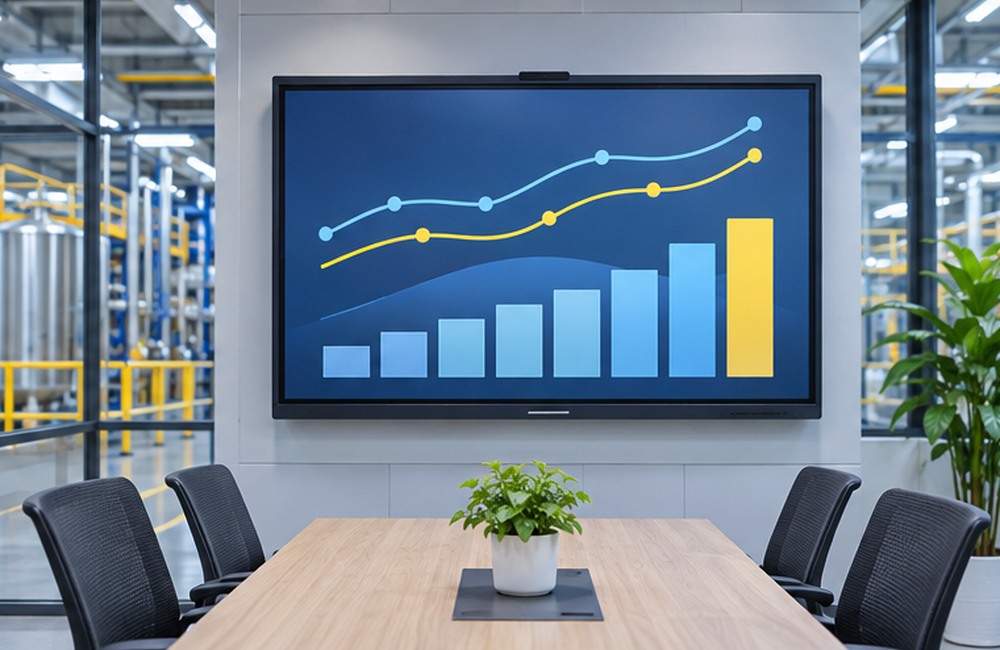
Connect the screen to a computer or presentation system that displays production data according to defined rights, such as targets and production volume. Set access to view data according to the screen's role. If system installation is required, see SCMA's solution design services
Use for shift change meetings and training
Use the digital whiteboard to explain procedures, review issues from the previous shift, and record topics for follow-up. Test with files and apps that the team actually uses before installation
Check the suitability of the installation location
Check the operating hours supported by the model, brightness, reflections, and environmental durability. If installing near the production line, check dust, humidity, and installation conditions from the manufacturer
Connect to presentation systems and networks
Check compatibility of computers, apps, and screen sharing systems. Set user rights and software updates according to the factory's network policy
Advantages of Smart Touchscreens
Smart Touchscreens help increase work efficiency and convenience, whether it's for presentations, teaching, or machine control. Users can interact with the display immediately without needing a mouse or keyboard, making the workflow even smoother.
Easy to Use and Responds Immediately
Touchscreens with built-in operating systems and apps may open certain boards or file types directly. Models that use external computers should check the video ports and touch data transmission according to the manual.
Smooth Writing and Multi-user Interaction
Touchscreens that support Multi-touch may allow users to tap or write simultaneously according to the number of points and the limitations of the operating system and apps.
Quickly Record and Share Data
Some models have functions to export notes or screenshots. Set recording and sharing methods that suit the internal data of the factory.
Sharp Image Attracts Attention Well
Select image detail and brightness according to the viewing distance, lighting conditions, and actual size of the text or images used. Some models support 4K resolution.
How to Choose a Smart Touchscreen
Deciding to purchase a Smart Touchscreen that offers good value for investment requires considering various factors to meet real usage needs. We have summarized the basic methods for selecting displays and touchscreens in a checklist format for you to use as a reference for your decision-making.
Select the screen size based on the farthest viewing distance, font size, and installation position. Have users sitting at the back read sample slides to test.
Check resolution, brightness, and light reflection in the actual room, considering the content used, such as maps, tables, or videos.
Test the accuracy of writing and the number of touch points usable with real software. Check if it supports stylus and settings required by the team.
Check the operating system support lifespan, app compatibility, and module computer compatibility, such as OPS. If the selected model requires additional modules.
Check video, audio, and touch data ports to match the computer used. The capabilities of USB-C and wireless sharing depend on device specs and network.
Considerations for After-Sales Service
Along with the product specifications, after-sales service is another important factor that should not be overlooked when investing in Smart Touchscreen. Choosing a reliable Display distributor company will help you use the device confidently in the long run.
Product Warranty: Check the warranty period and conditions of the Smart Screen to see which parts are covered, including whether there is an On-site Service repair option or not.
Seller's Expertise: Choose a company that has a team of expert engineers specializing in Touchscreen to provide advice on both installation and initial software usage.
Spares and Maintenance: Inquire about the availability of spare parts within the country to prevent long periods of downtime if the Display malfunctions.
Usage Training: A good distributor should provide training on how to use the Smart Touchscreen for your team, so that you can fully utilize the device's potential.
Summary
Smart Touchscreen for factories should be selected according to the room type and work type, such as shift change meetings, training, or displaying read-only dashboards, testing reading from actual seats, writing, and connectivity before installation. The SCMA team provides consultation on screens and installation according to the area.
Interested in ordering or consulting via LINE Official: @SCMA
If you want to buy a smart touch screen, you can buy it from SCMA today!
Accurate and comprehensive information aboutsmart touch screens online is important to help businesses make precise investment decisions. SCMA Company provides sales and design services fordisplay HMI systems, as well as fully integrated industrial automation equipment. We have a team of expert engineers who can advise and recommend thesmart screen model that meets your needs, along with fast after-sales service and maintenance work, to ensure that yourtouch screen operates at full efficiency throughout its lifespan.
Frequently Asked Questions
How is a smart touch screen different from a regular TV?
A touch screen can be touched or written on to interact with content. Digital board functions and operating systems depend on the model.
Is it necessary to connect to a computer for this type of display?
Some models can open supported apps or files on their own, while others require an external computer. Check the software requirements that the team will use.
Can a smartphone be connected to a smart screen?
It can be connected if the screen and phone support the same protocol and the network allows. It is recommended to test with actual devices and policies before installation.
What temperature range should a meeting room screen support?
Check the temperature and humidity range specified by the manufacturer, as well as the ventilation of the installation location. Meeting room screens and equipment for industrial environments use specifications according to the model.
If the screen has a problem, does SCMA have maintenance services?
SCMA Company has a team of expert engineers and technicians ready to provide maintenance and technical support services, so that customers can use the equipment confidently and continuously.