
What is a Display? How does it work and what are its features?
Have you ever wondered why "machines or measuring devices need to have clear and accurate displays?" This is because the display is an essential component that enhances the efficiency of industrial automation systems. This article will explain in detail how it works, its features, and real-world applications of a display.SCMA offers services from procurement to design and post-sales support with confidence so that you can choose the right one for your needs.

What is a Display?
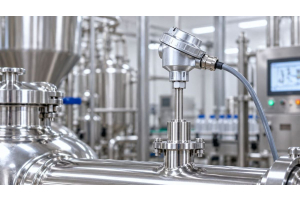
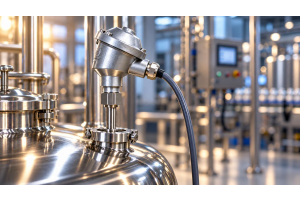
A display, or Digital Indicator, is an instrument that displays various data in digital form. It typically uses LED or LCD screens to make numbers, letters, or symbols visible and clear for the user. Whether it's pressure, temperature, or chemical quantity, having a sharp screen enhances accuracy and safety in factories and laboratories.
How does a Display work?
A display works by receiving signals from sensors such as temperature or pressure, sending them to the microprocessor for conversion into readable digital data on an LED or LCD screen. This information also supports connectivity with control systems through RS-232, RS-485, or Modbus, allowing users to view values accurately and safely via a monitor.
What Features Should You Know About Display Screens!
Display screens are an essential component that users should understand, as they significantly impact the efficiency of production systems. The display screen is a critical element to consider carefully.
- High Accuracy – Displays numerical values accurately, reducing measurement errors in the process.
- Compatibility with System Integration – Supports a variety of sensor and measuring device types.
- Customization Capabilities – Allows setting measurement units or number formats to meet specific needs.
- Multifunction Display – Supports both decimal numbers, integers, and percentages.
- Status Indication System – Provides deeper insights into operation such as warning lights or operational modes.
- Data Communication Support – Connects via RS-232, RS-485, Profibus and works with Video Display
- Data Logging and Transmission – Works seamlessly with production control systems to create an efficient Smart Factory.
How to Use the Display Screen
The display screen is designed for easy use, but users should know the basic steps to achieve maximum efficiency.
- Data Measurement – Start by connecting the sensor to the machine.
- Data Processing – The processor converts signals into digital data.
- Data Display – Measured values are displayed on the Monitor or LED/LCD screen.
- Settings and Customization – Users can adjust measurement units, number ranges, or warning signals.
- Status Check – Read the values shown on the screen with alerts if there are any abnormalities.
- System Connection – Transfer data to PLC or main control systems for advanced automation tasks.
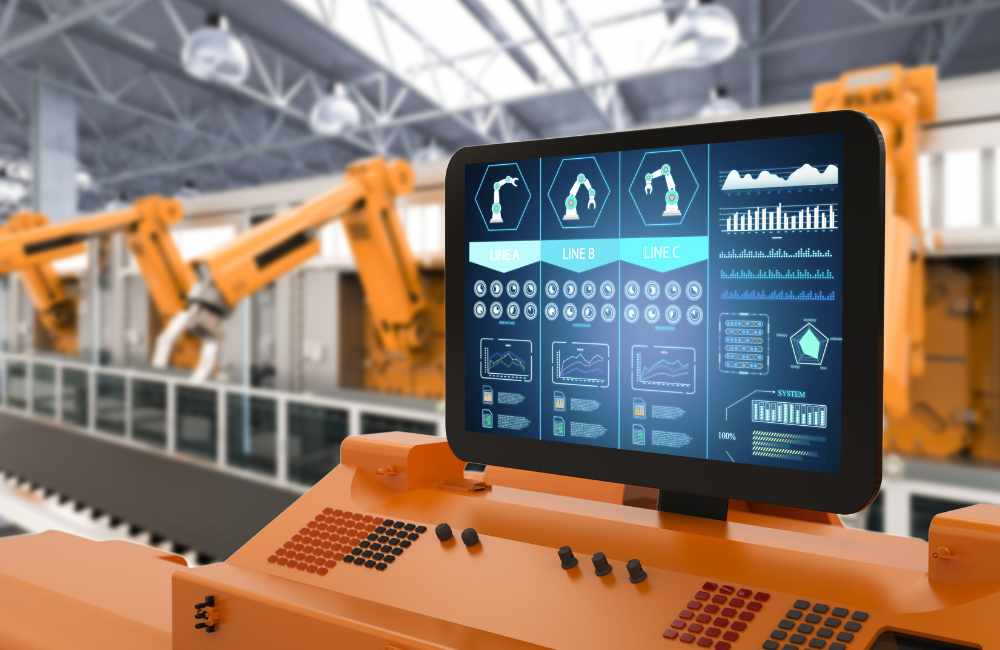
7 Ways to Utilize Display Screens
Display screens are a crucial technology that can be applied across various industries, whether for quality inspection, process control, or data recording. Having an accurate and clear display screen allows users to continuously monitor the status of machinery or production processes safely and efficiently.
1. For Pressure Testing
When checking the pressure in pipelines or machines, installing a display screen helps users read real-time pressure values, preventing overloading and reducing damage risks. A clear monitor also makes maintenance easier and safer.
2. For Temperature Measurement
In food, beverage, or chemical industries where temperature control is strict, using a display screen allows controllers to track heat values immediately. If temperatures deviate from normal ranges, the display can provide precise automatic alerts, ensuring product quality standards are maintained effectively.
3. For System Control
In automation systems, a display screen serves as a communication tool with PLCs or controllers, enabling operators to command and monitor production status continuously. An accurate display reduces errors and enhances production line agility.
4. For Weight Measurement
A display screen installed in scale systems helps users read weight values accurately and quickly, suitable for transportation, logistics, and production requiring quantitative data. Displaying results on a screen also makes verification convenient even in complex environments.
5. Usage in Machinery
Various types of machinery require a display screen to monitor operational values such as speed or vibration. When the displayed values on the monitor are clear, operators can analyze and prevent breakdowns immediately, which helps extend equipment lifespan and enhance safety in production processes.
6. Laboratory Use
Chemical testing or lab experiments require highly precise values. The display screen plays a crucial role in accurately indicating substance quantities or experimental results. Displaying data through the monitor allows researchers to record information correctly and analyze it without errors.
7. Use in Factory Display Systems
Large industrial plants install display screens in control rooms or production areas to show real-time operational data. Using centralized display systems enables managers and operators to monitor and plan accurately, resulting in maximum factory efficiency.
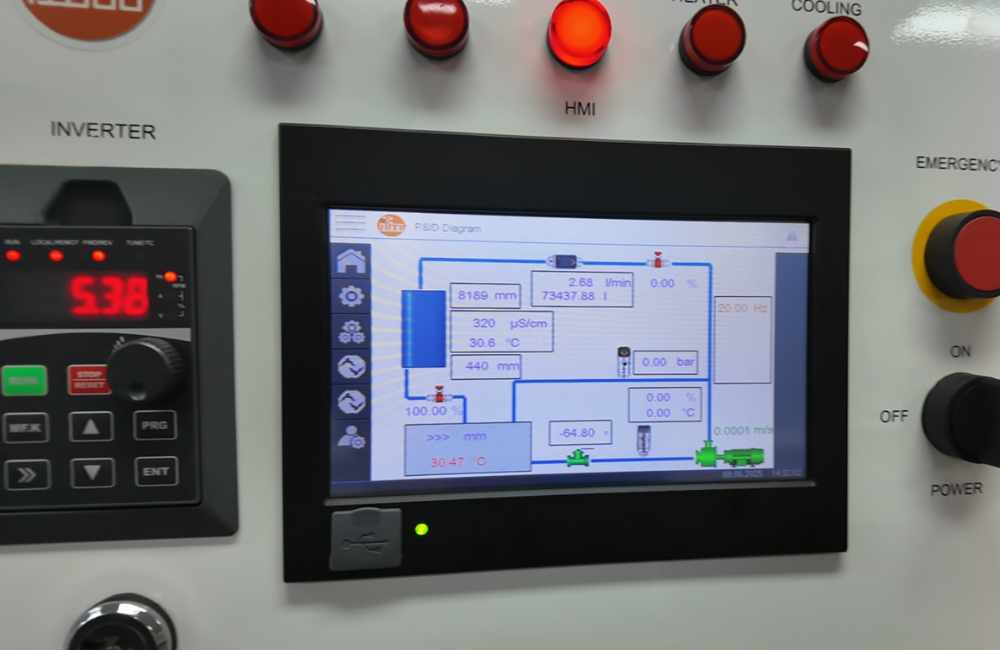
If you are looking for high-quality displays, think of SCMA!
If you are searching for high-quality displays, SCMA Company is pleased to provide consultation and supply suitable displays for every industrial application. We offer comprehensive services from distribution, installation, to maintenance, supporting the use of Monitor screens and new Display technology standards that truly meet the needs of Industry 4.0 factories.
Summary
Display monitors are tools that help improve accuracy and safety in production process monitoring and control. Choosing high-quality display screens also enhances efficiency, reduces errors for organizations seeking comprehensive solutions. SCMA is ready to serve from procurement, design, to after-sales care that meets every need. Contact us today for consultation and purchase the Monitor screens suitable for your requirements.
Frequently Asked Questions
What is a Display Screen?
A Display is a technology that displays data in various forms such as numbers, letters, and symbols to enable users to accurately check system values or statuses. Currently, display screens are widely used in industries, factories, and general electronic equipment.
What is HDR Display?
HDR Display is a screen technology developed to provide high clarity, realistic colors, and wider brightness ranges compared to standard displays. In industrial applications, HDR Display helps users clearly see various values even in environments with high ambient light interference, enhancing confidence in work processes.
How many types of display screens are there? What are they?
Display screens come in a variety of types designed to meet different usage requirements. Choosing the right type for your application can help achieve maximum efficiency.
- LED Screen – High brightness, long lifespan, suitable for factories or areas with high light levels
- LCD Screen – Energy-efficient, lightweight, and provides clear images, ideal for general use
- Monitor Screen – Used for system control or real-time data display
- Image Display – Emphasizes the presentation of specialized information requiring high resolution and accuracy
What are the differences between CRT and LCD screens?
CRT is an old-style display that uses cathode ray tubes, providing bright and vivid images but with large size and high power consumption. In contrast, LCD utilizes liquid crystal technology, making it thin, lightweight, energy-efficient, and suitable for modern use. It's no surprise then that most displays in this era have switched from CRT to LCD.
What types of LCD screens are there?
LCD screens come in various models to cater to different needs. Understanding the types of LCD can help you choose the most appropriate one based on your requirements.
- TN Panel – fast response time, suitable for high-speed applications such as control equipment.
- IPS Panel – accurate colors, wide viewing angles, ideal for tasks requiring precision.
- VA Panel – high contrast ratio, deep blacks, suitable for displaying images that require high clarity.