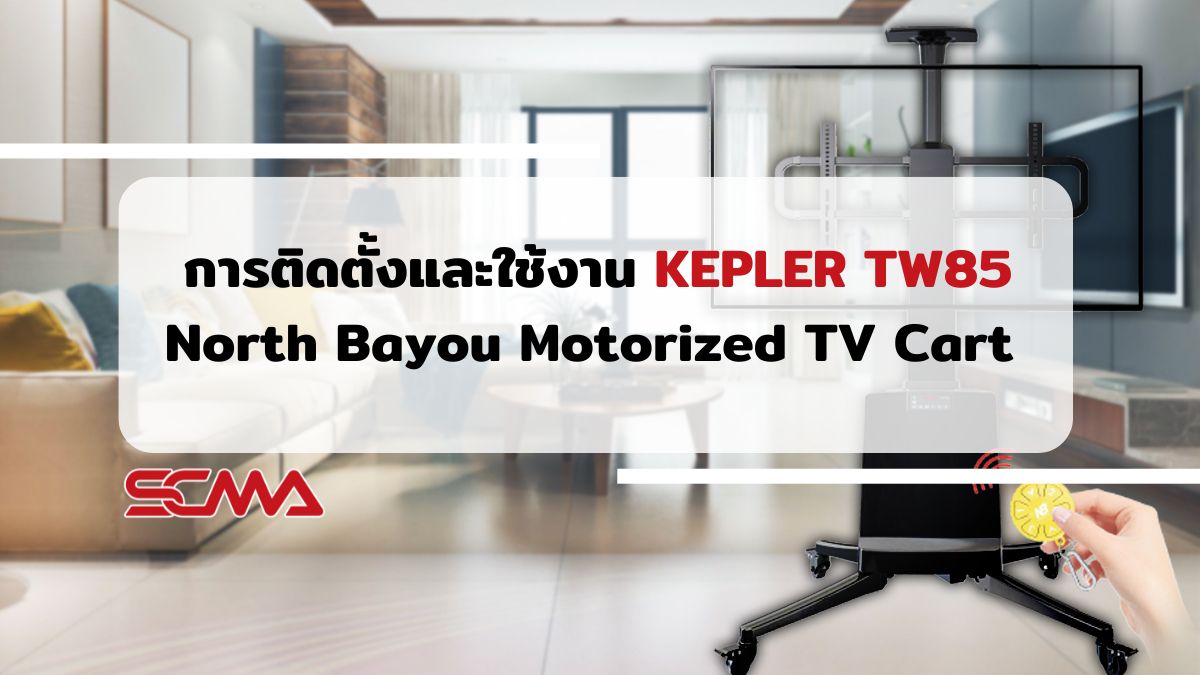
North Bayou Motorized TV Cart KEPLER TW85 mount for large smart screens, suitable for all uses from meeting rooms to personal use. For those who want detailed installation and usage instructions, SCMA provides a clip demonstrating the setup and operation so that it can be used efficiently. Let's take a look.
Details of North Bayou Motorized TV Cart KEPLER TW85
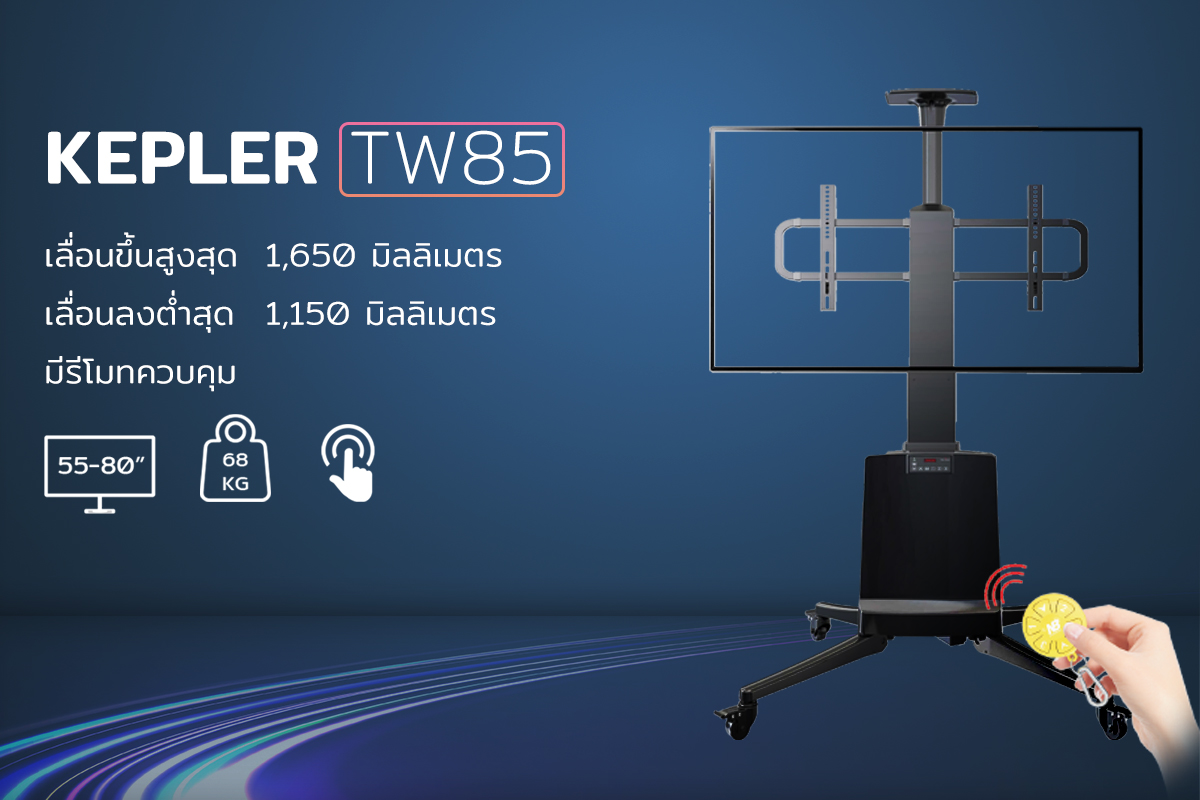
The North Bayou Motorized TV Cart KEPLER TW85 is a mount designed for TVs ranging from 55 to 80 inches, supporting VESA standards of 200x200, 300x300, and 600x400 mm. It can support up to 68.2 kg in weight with an adjustable height range of up to 1,650 millimeters. The motorized adjustment mechanism performs well, allowing remote control from a distance as well as easy configuration via the electrical control panel. Easy mobility is provided by swivel wheels and it comes equipped with reliable brakes.
Features of North Bayou Motorized TV Cart KEPLER TW85
- Supports screens from 55 to 80 inches
- Can support up to 68.2 kg in weight
- Adjustable height range of 1,150 - 1,650 millimeters
- VESA standards supported: 200x200, 300x300, and 600x400 mm
- Input voltage range: 100~240V 50/60Hz
- Maximum power consumption: 50W
- Includes a remote control for operation
- Easy-to-use electrical control panel
Guide on How to Set Up and Use the North Bayou Motorized TV Cart KEPLER TW85
Getting Started with the North Bayou Motorized TV Cart KEPLER TW85
- Remove the North Bayou Motorized TV Cart KEPLER TW85 from the box.
- Install the legs properly, plug it in, and hold down the M button until the screen displays ".....".
- The program will start running. The height of the stand will move to its highest position when the screen shows "1650".
Adjusting for Safe Height Level
- Press the button
 to match the installation of the smart screen, then press M once for the screen to flash "-S-".
 - Press and hold the button
 until the screen flashes "-dn-".
 - Press the button to lower the TV.
- Press M once when the distance between the bottom edge of the TV and the stand is approximately 10-20 centimeters, which will be the safest position.
Setting Up Memory and Usage for North Bayou Motorized TV Cart KEPLER TW85
- Press the
 buttons to set the desired height
 - Press button M, the screen will display "-S-" flashing
- Pressing button 1 sets memory at button 1
- For other memories follow this method
- To select a previously set height, simply hold down buttons 1, 2 or 3 and the stand will automatically move to the preset height
Setting Up Child Safety Lock for North Bayou Motorized TV Cart KEPLER TW85
- Hold down button
- If the red light comes on, both the control panel and remote will be locked
- To unlock, hold down button until the green light comes on, which will unlock both the control panel and remote
- If the smart screen is in sleep mode, pressing any button will return it to normal operation
Just like that, the installation and use of the North Bayou Motorized TV Cart KEPLER TW85 can be done easily. It can also be used anywhere you want, whether in a meeting room or living room as needed. If anyone is interested in other models, they can follow this article to see more details.
If interested, you can contact SCMA for more information and details about ordering.